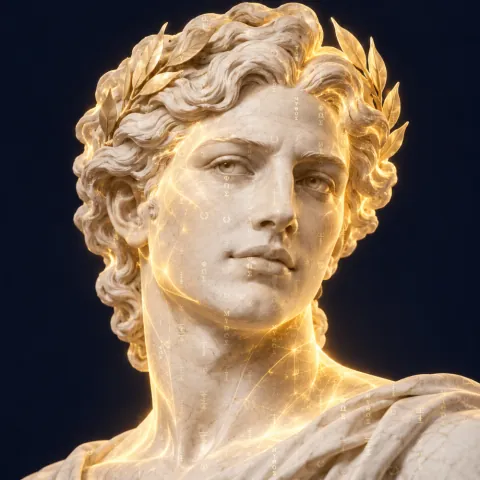
It's Tuesday, November 10, and your product photos are ready for their close-up.
The Athena Brief is a weekly AI newsletter keeping you up-to-date with the world's fastest changing (and most impactful) industry, as well as tips and tricks to save you real time & make you real money using AI.
This week starts with your next promo
ChatGPT Can Now Turn Your Photos Into GIFs
Make the moving picture yourself
On November 4, OpenAI released Images 2.6, a new image model in ChatGPT, Codex, and the API. The part you'll use first: ChatGPT now makes animated GIFs.
You can turn a written prompt or an uploaded photo into a GIF, then change how fast it plays, look at and edit single frames, and share it.
OpenAI says the new model makes images 50% faster than before. You can also keep reference images of yourself, your pets, and your characters ready to reuse, so you don't upload them again.
It's rolling out to all ChatGPT and Codex users on the web, desktop, and mobile. OpenAI pitched it for business work too, from animated brand mascots to product visuals.
Why it matters
A moving picture used to mean a designer, a video editor, or your whole afternoon. Now it's one sentence in an app you probably have open already. Your still photo moves, and you get to shout about it.
Picture tonight's special steaming in your next email, a listing photo with the porch lights coming on, or a mascot that waves on your homepage, all made from photos you already have.
What to do
- Pick your one photo Choose the product or offer you most want people to notice this month, shot on a plain background. The Tip of the week below walks you through it.
- Pick where it plays One spot your customers already look: your next email, your homepage, or your pinned post.
Between the lines
Consistency is the feature to test. Images 2.6 is built to keep characters, products, and brand details consistent as you edit, which is exactly what a product shot needs.
Try it on your own product before you trust it with a whole campaign. Your customers know what your packaging looks like.
Dive deeper
- Introducing Images 2.6, from OpenAI
- ChatGPT can now make animated GIFs with OpenAI's Images 2.6, from The Next Web
- ChatGPT Images 2.6 Can Now Create GIFs, from Thurrott
Quick hits
Perplexity's Computer Builds Your Store's Promo, and You Set the Sign-Offs
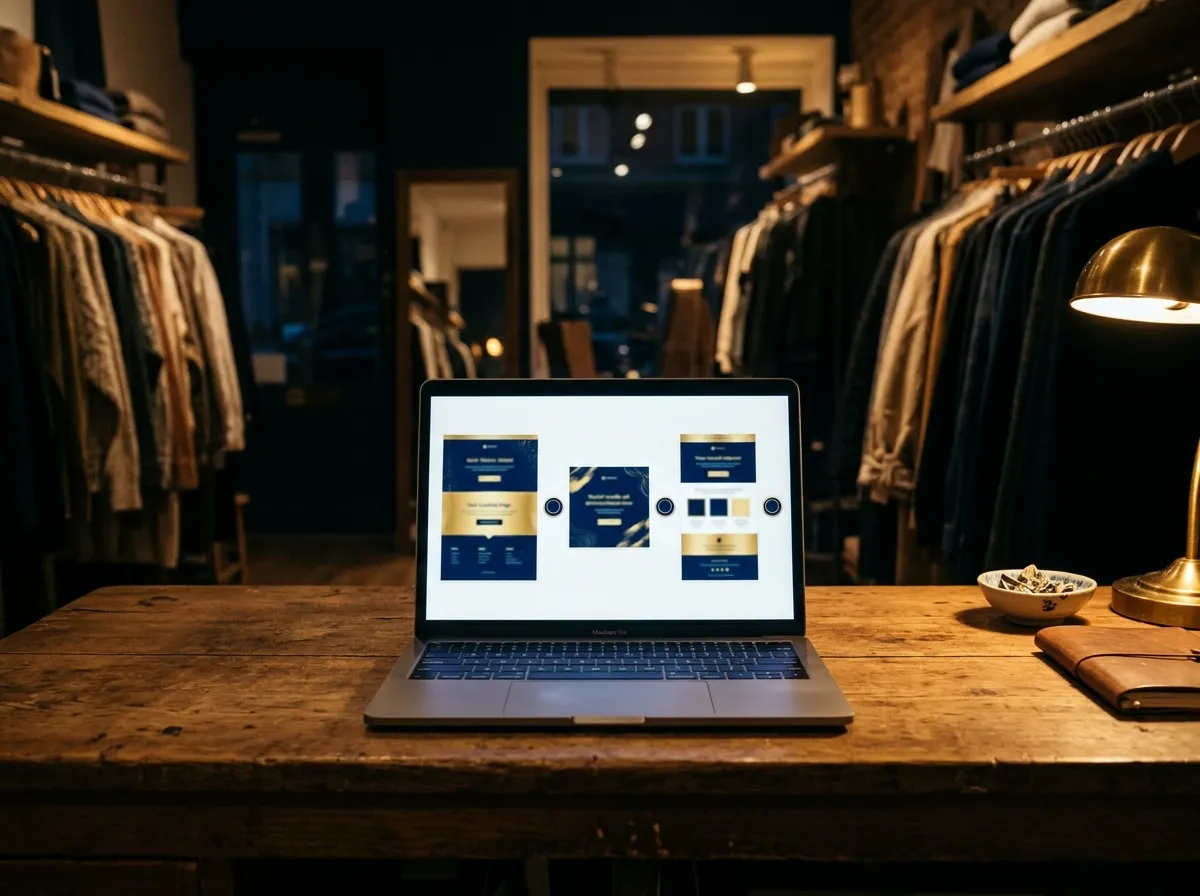
On November 3, Perplexity laid out how its Computer agent runs e-commerce marketing. It reads your Shopify sales data and builds an on-brand landing page you can edit in the Shopify editor. It creates static ads and sets up campaigns in Meta, and it writes Klaviyo emails in your brand's design, then schedules or sends them after review.
You decide which actions need your review, "including publishing pages, sending emails, and spending on ads." Perplexity says Computer works "within the goals, budgets, and approval requirements the business sets."
Gemini Can Now Edit Your Whole Slide Deck at Once
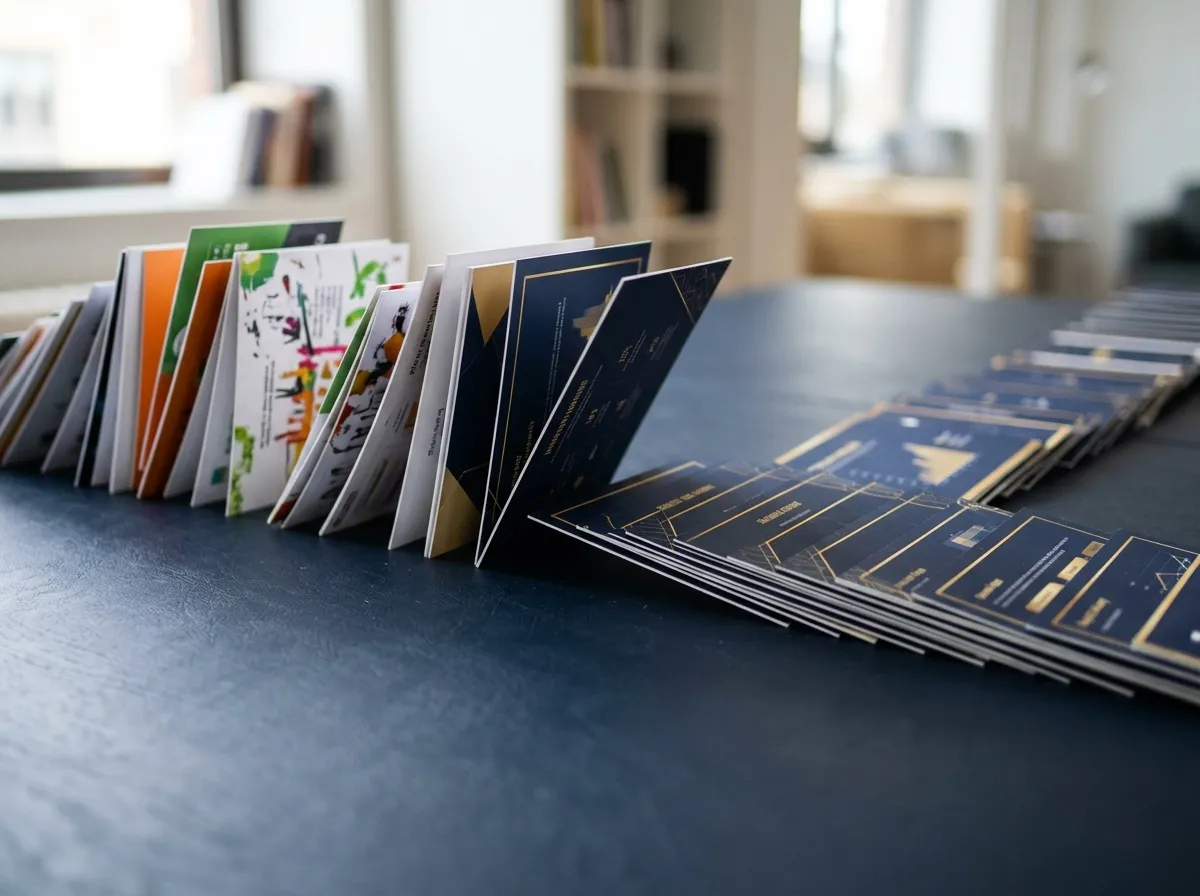
Google started rolling out deck-wide edits in Google Slides on October 29. Ask Gemini to restyle a whole presentation to match a reference file, make every title the same font and color, or fold three slides into one. It's on Business Standard and Plus, Enterprise Standard and Plus, and Google AI Pro and Ultra. Not in your Slides yet? Google says the rollout can take more than two weeks.
The same day, Google added file creation and editing inside the Gemini app. You can draft a Google Doc or a Markdown file in the chat, and preview and edit PDFs on the web and on mobile. That one's for all Workspace customers and personal Google accounts.
OpenAI Says It'll Honor a Shared No-Training Signal for Websites
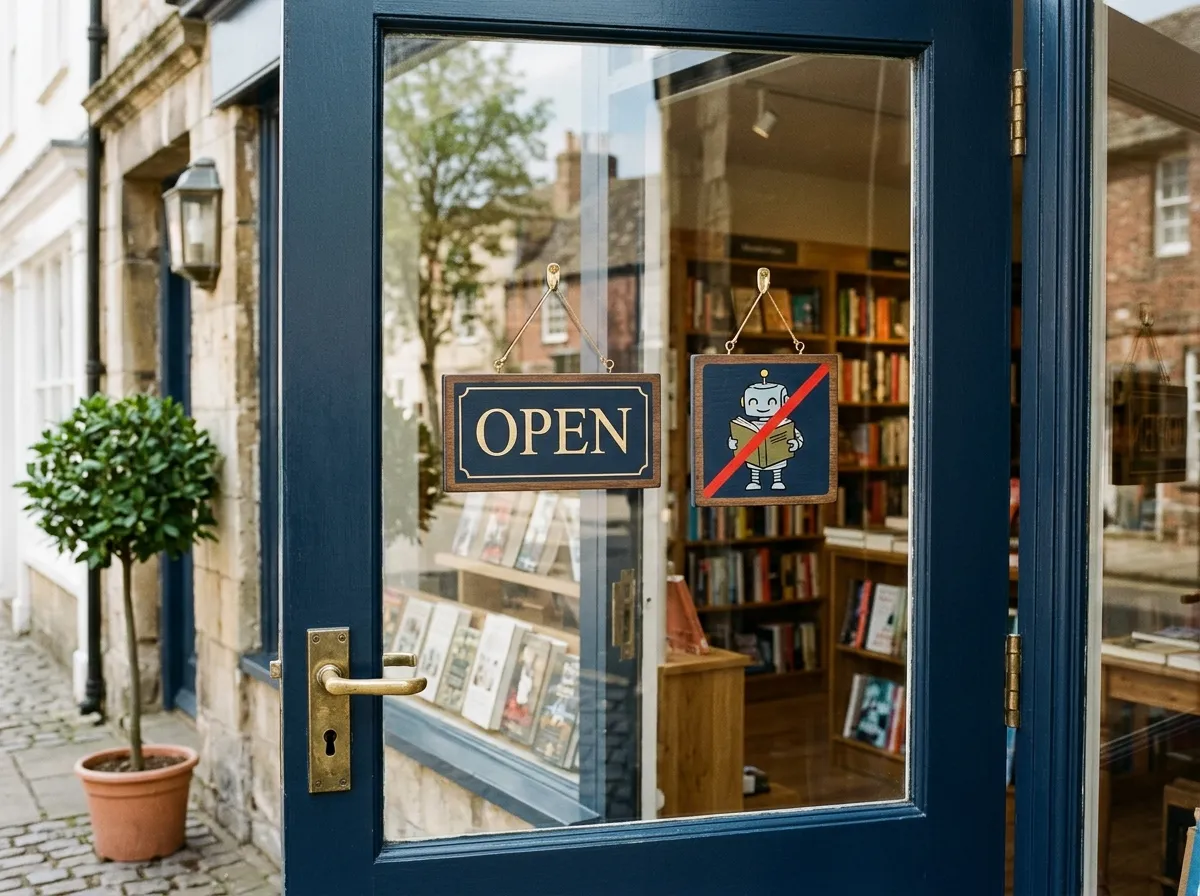
On October 30, OpenAI said it will honor a shared robots.txt signal that lets your website tell participating AI companies whether your content can be used to train their models. It isn't live yet. OpenAI aims to implement it "in the coming months."
Two switches already exist, and they're separate. Blocking GPTBot tells OpenAI not to use your content for training. Blocking OAI-SearchBot keeps your site out of ChatGPT search answers. If customers find you through ChatGPT, leave that second one open.
Tip of the week
Turn One Product Photo Into a GIF
Start with a picture you already have.
- Pick one clear photo of a product or offer, on a plain background.
- Upload it to ChatGPT and describe one simple motion, like steam rising from a cup or a box lid opening, and ask for a GIF.
- Ask it to keep the product, the colors, and the logo exactly as they are in your photo.
- Step through the frames, and ask ChatGPT to fix any frame where your product or text looks wrong.
- Set the playback speed, save it, and put it in your next email or post.
Start with the one you picked above. If it still looks like your product, make the next one.
Or, if this sounds like a drag, the team at Athena would be happy to help.
One number
images people make each week across ChatGPT, Codex, and the API, as of the Images 2.6 launch on November 4
|
|
P.S. from Athena: Made your first GIF and want it moving on your homepage? Ask me about our website subscription and we'll put it there. |